
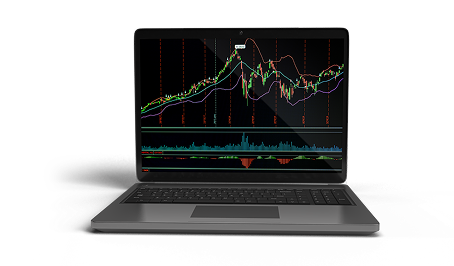
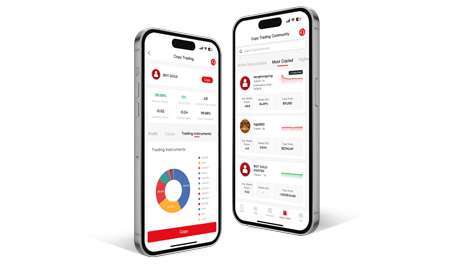



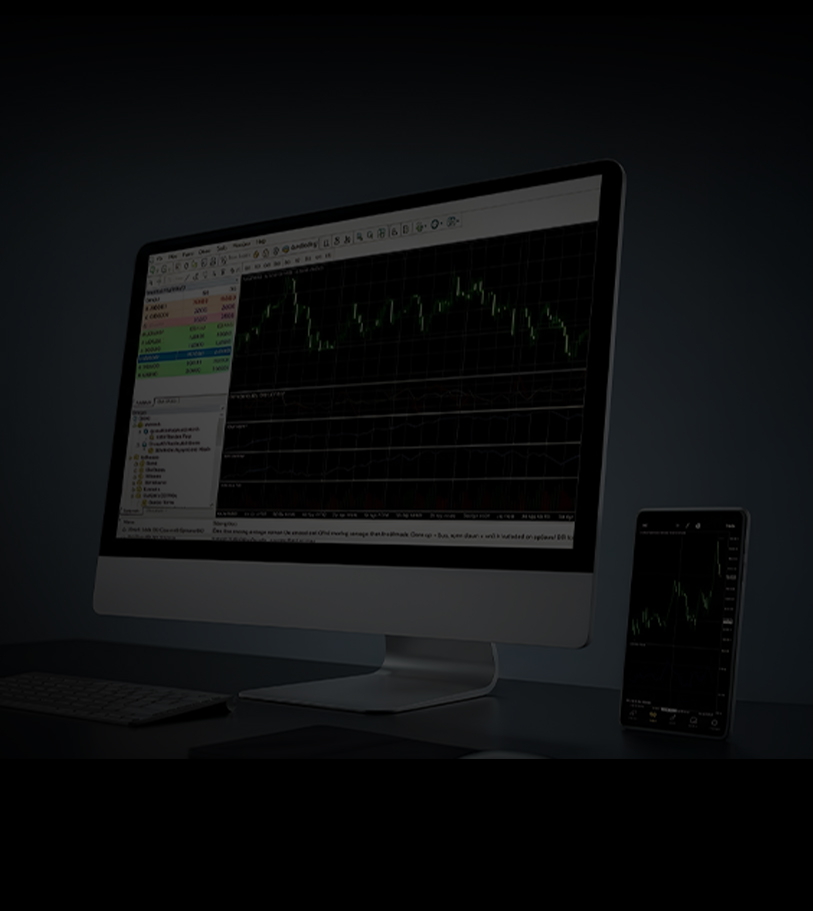


What is MT4?
MetaTrader 4 (MT4) is a widely-used trading platform that provides access to global markets like stock CFDs, commodity CFDs. It offers advanced charting tools, a full suite of order types, and supports automated trading strategies through Expert Advisors (EAs). The platform integrates robust security and seamless management of multiple accounts—all in a user-friendly interface suitable for traders at any level.
What makes MT4 stand out?
- MT4 Mobile
- MT4 PC
- MT4 Web
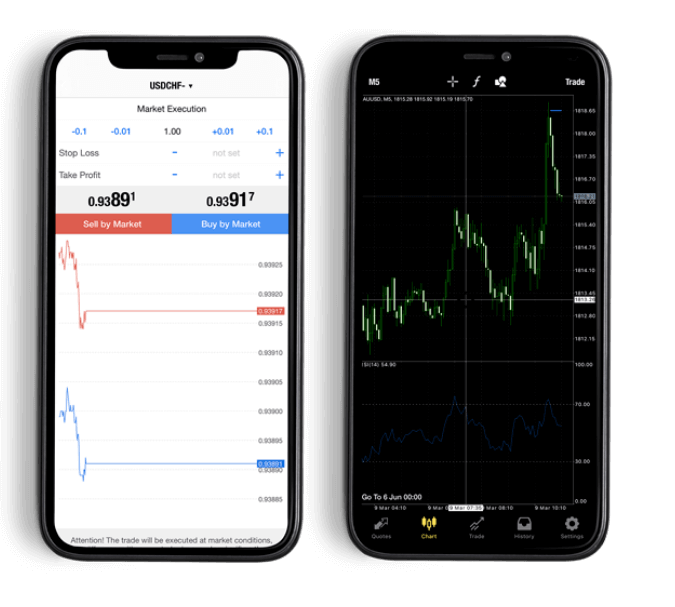
Supports hedging
MT4 supports hedging, enabling simultaneous long &short positions on the same pair.
Offers a wide range of technical indicators
MT4 delivers extensive built-in indicators and powerful customization via MQL4.
Economic Calendar
MT4 relies on third-party plugins or external sources for economic calendar data.
Supports 9 time frames
MT4 offers 9 standard time frames (M1, M5, M15, M30, H1, H4, D1, W1, MN).
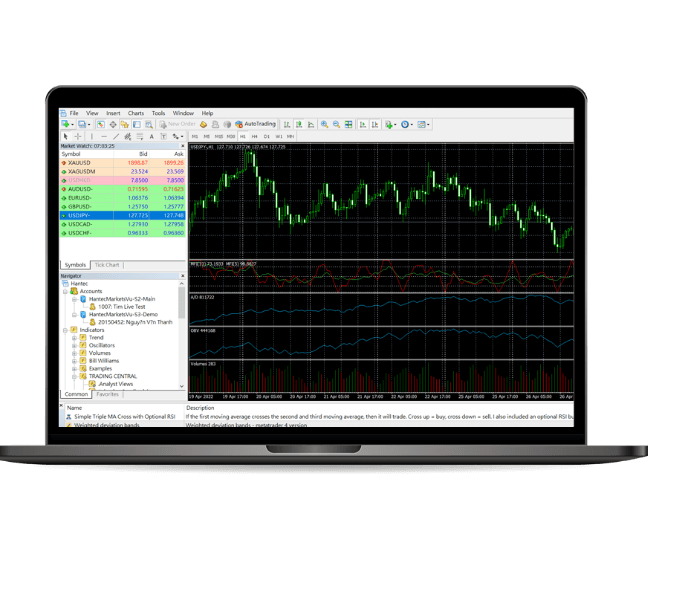
Supports hedging
MT4 supports hedging, enabling simultaneous long &short positions on the same pair.
Offers a wide range of technical indicators
MT4 delivers extensive built-in indicators and powerful customization via MQL4.
Economic Calendar
MT4 relies on third-party plugins or external sources for economic calendar data.
Supports 9 time frames
MT4 offers 9 standard time frames (M1, M5, M15, M30, H1, H4, D1, W1, MN).
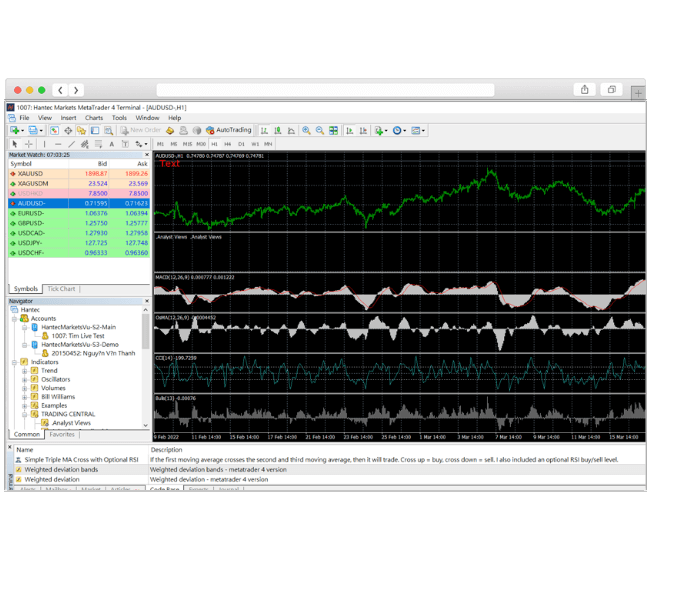
Supports hedging
MT4 supports hedging, enabling simultaneous long &short positions on the same pair.
Offers a wide range of technical indicators
MT4 delivers extensive built-in indicators and powerful customization via MQL4.
Economic Calendar
MT4 relies on third-party plugins or external sources for economic calendar data.
Supports 9 time frames
MT4 offers 9 standard time frames (M1, M5, M15, M30, H1, H4, D1, W1, MN).

Download the MT4 Trading Platform
Start Your Trading Journey
Setup Instruction
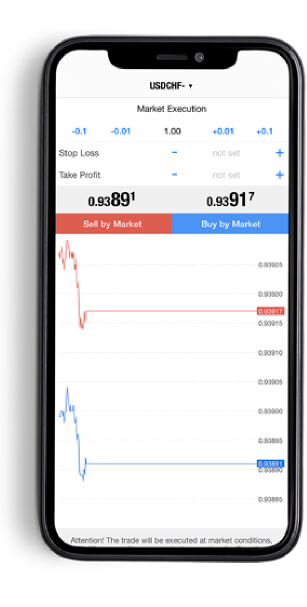
Open the MT4 application after downloading it successfully:
1
Select “log in to a registered account”
2
Enter "HantecMarketsV-S2" in the search box
3
Choose "
HantecMarketsV-S2-Main" to log in to a Live account or "
HantecMarketsV-S2-Demo" to log in to the Demo Account
Expert Insights

Gain deeper insights and strategies—straight from our platform.





Contact Us


Use of any website, platform or application operated by or on behalf
of HF, constitutes acceptance to our use of Cookies and similar
technologies subject to this
Cookie policy. Cookies technology is mainly used to calculate user traffic,
analyze browsing behavior, provide personalized services.
Accept

{{ipTipsInfo.title}}
{{ipTipsInfo.content}}